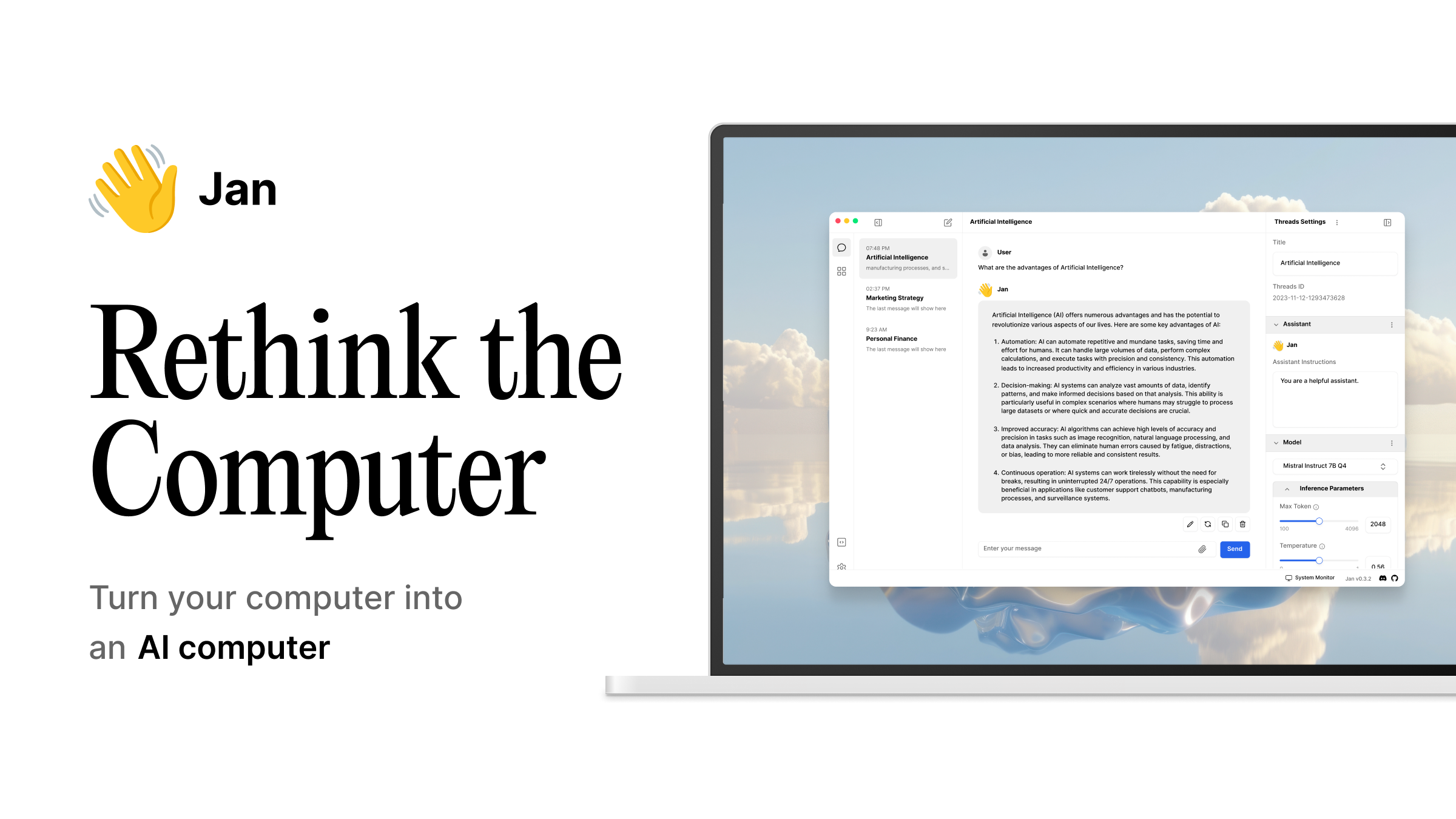
Open WebUI
Self-hosted ChatGPT-style frontend for Ollama / OpenAI.
OPEN SOURCEVIA OLLAMA
RAG-first local LLM workspace with workspaces and agents.
Local or cloud · Entry GPU (6–8 GB)
Can run fully local (uses your Ollama / LM Studio) or fully remote.
Source is public — you can audit it, fork it, and you'll never lose access to your workflows if AnythingLLM the company changes direction.
Doesn't require a dedicated GPU — useful on laptops and headless servers.
Native Metal / MPS support — runs on M-series Macs without CUDA gymnastics.
You don't need to read a paper before getting your first result — sensible defaults and a quick install.
This page summarizes upstream documentation, release information, and editorially reviewed catalogue fields. It is not presented as a hands-on benchmark. Verify changing requirements at the official project; report stale data through our corrections channel.
Runs CPU-only — no CUDA / driver gymnastics required.
No dedicated GPU required.
Open-source AND ships an API — easy to integrate, possible to host yourself.
Catalogue entry last updated 63 days ago — re-verification due soon.
Hand-picked from YouTube, Reddit, GitHub, and the wider web. Each link goes straight to the source — we don't intercept or rewrite anything.
Three picks across different tradeoffs — so you don't end up with three near-clones of AnythingLLM.
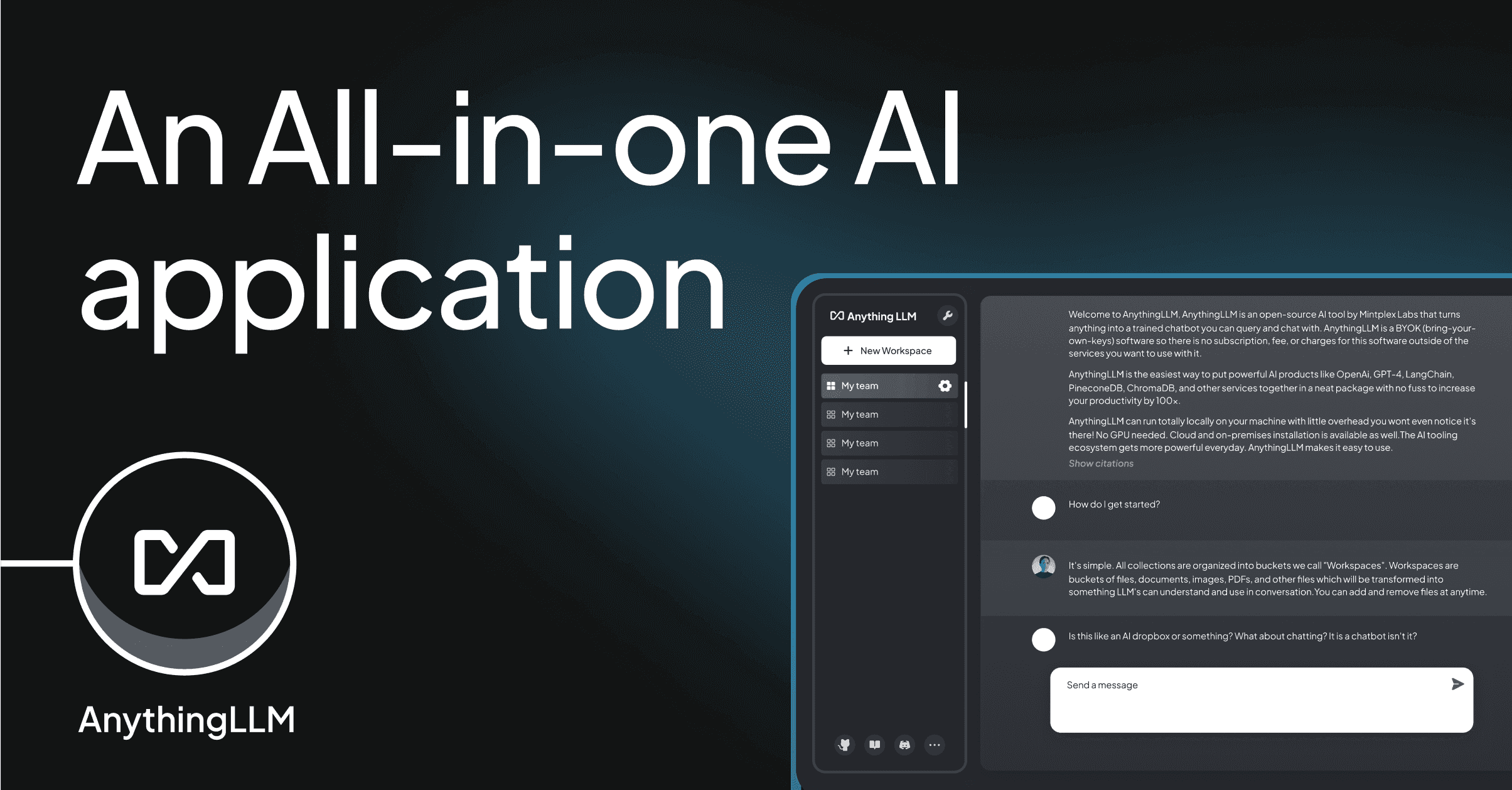
AnythingLLM treats RAG as the primary use case rather than a bolt-on. Documents go into 'workspaces'; each workspace has its own vector store, system prompt, and model. Supports local LLMs (Ollama, LM Studio, GGUF) and remote providers, agentic tool use, and a desktop app or self-hosted Docker deployment.
MIT (desktop + Docker). Mintplex Labs offers a paid cloud variant.
Self-hosted ChatGPT-style frontend for Ollama / OpenAI.
Beautifully designed chat UI with plugins and image generation.
Open-source ChatGPT desktop — runs models locally or via API.