


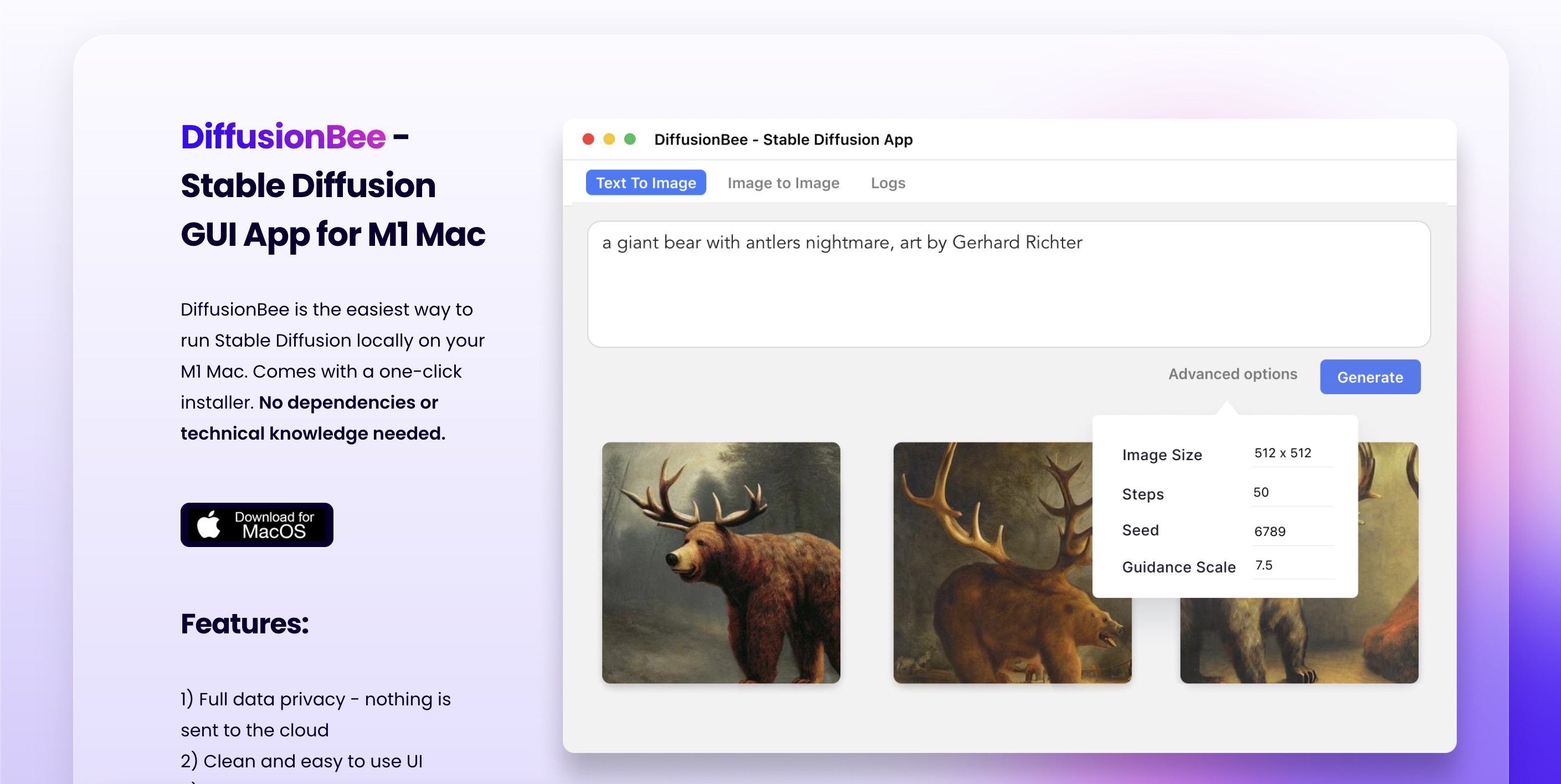

DiffusionBee
One-click Stable Diffusion for macOS.
OPEN SOURCECPU-CAPABLE
Stable Diffusion as a native Mac & iOS app.
Runs locally · Integrated / Apple Silicon
Uses unified memory; 8 GB device runs SDXL, 16 GB+ for Flux.
No paywall, no signup wall — you can use Draw Things today without handing over an email.
Native Metal / MPS support — runs on M-series Macs without CUDA gymnastics.
Supports 8-bit, FP16 — you can dial VRAM use up or down to match your card.
You don't need to read a paper before getting your first result — sensible defaults and a quick install.
This page summarizes upstream documentation, release information, and editorially reviewed catalogue fields. It is not presented as a hands-on benchmark. Verify changing requirements at the official project; report stale data through our corrections channel.
A standard local install — download, install dependencies, point at your GPU.
No dedicated GPU required.
Not open source and no public API — what you see is what you get.
Catalogue entry last updated 76 days ago — re-verification due soon.
Hand-picked from YouTube, Reddit, GitHub, and the wider web. Each link goes straight to the source — we don't intercept or rewrite anything.
Three picks across different tradeoffs — so you don't end up with three near-clones of Draw Things.
Draw Things runs the entire SD / SDXL / Flux pipeline locally on Apple Silicon with hardware acceleration via CoreML and MPS. It's a real native app — no browser, no Python, no terminal — with txt2img, img2img, inpainting, ControlNet, and LoRAs all working on an iPhone or M-series Mac. The fastest path to local diffusion on Apple hardware.
Free on App Store and Mac App Store; no in-app purchases.
One-click Stable Diffusion for macOS.
The original SD power-user webUI.

