Skip to content
[ Use case · Local coding assistant ]

Best AI tools for a local AI coding assistant

Running your coding assistant locally keeps your codebase off third-party servers and removes rate-limit anxiety. The right pick is more about the runner than the model — they're all interchangeable at the API layer.

[ WORKFLOW PLAN ]

Decide in this order

  • Define the output: resolution, duration or context, batch/concurrency, and how often you will run it.
  • Set hard constraints: platform, privacy, license, VRAM/RAM, and whether slow CPU offload is acceptable.
  • Choose the workflow: eliminate tools that fail a hard constraint, then compare ecosystem, reproducibility, and switching cost.

The catalogue picks below are a shortlist, not proof that every default configuration fits. Open each datasheet and verify the exact model or extension you intend to use.

Evidence companion

Local LLM memory planning

See the assumptions, official sources, and memory trade-offs behind this workflow.

Read the guide →

Our picks

06 MATCHED

llama.cpp

The C++ inference engine powering most local LLMs.

OPEN SOURCECPU-CAPABLE

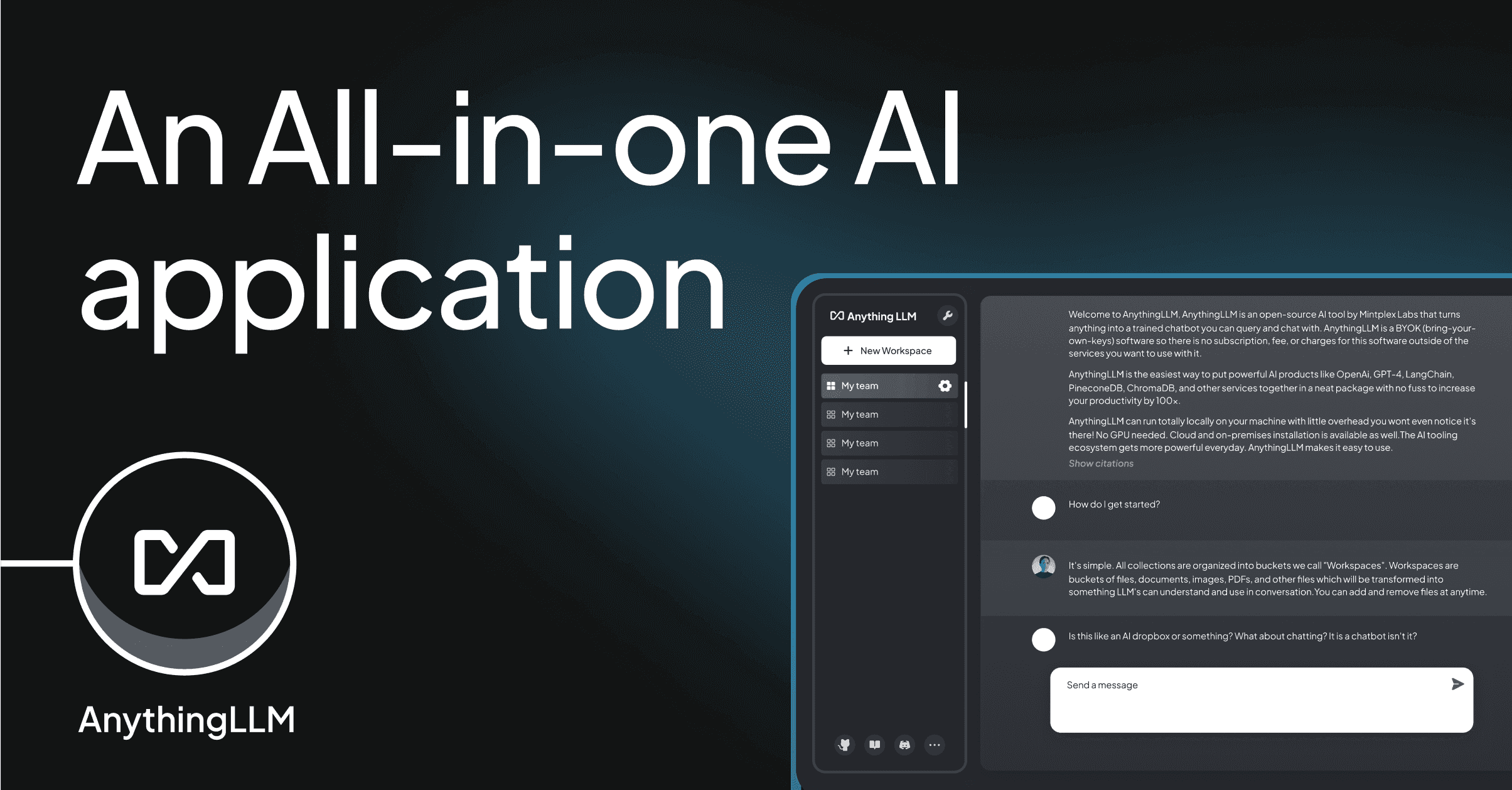
AnythingLLM

RAG-first local LLM workspace with workspaces and agents.

OPEN SOURCECPU-CAPABLE

LobeChat

Beautifully designed chat UI with plugins and image generation.

OPEN SOURCECPU-CAPABLE

Open WebUI

Self-hosted ChatGPT-style frontend for Ollama / OpenAI.

OPEN SOURCEVIA OLLAMA

✓ WHAT TO LOOK FOR

  • OpenAI-compatible API (so editor extensions Just Work)
  • GGUF support (best size / speed tradeoff today)
  • Easy model swapping — the SOTA coder model changes monthly
  • Apple Silicon support if you're on a Mac

! HONEST TRADE-OFFS

  • Local 7B coders are still well behind Claude Sonnet for hard refactors
  • Long-context (≥32k) needs aggressive quantization or 24GB+
  • No model lets you skip the prompt-engineering work